Welcome to the ultimate guide for setting up your IPTV service on your favorite Apple device! The IPTV Smarters Pro app is one of the most popular and user-friendly players available on the App Store. By following the simple steps below, you'll be enjoying thousands of channels in just a few minutes.
1. Required Downloads and Key Information
What You Need
- An iPhone or iPad running iOS 12.0 or later.
- Your M3U Link or Xtream Codes API details (provided by your IPTV provider).
- A working internet connection.
Download IPTV Smarters Pro from the App Store
Ensure you download the official application by WHMCS Smarters.
2. Installing IPTV Smarters Pro
-
1
Open the App Store and Search
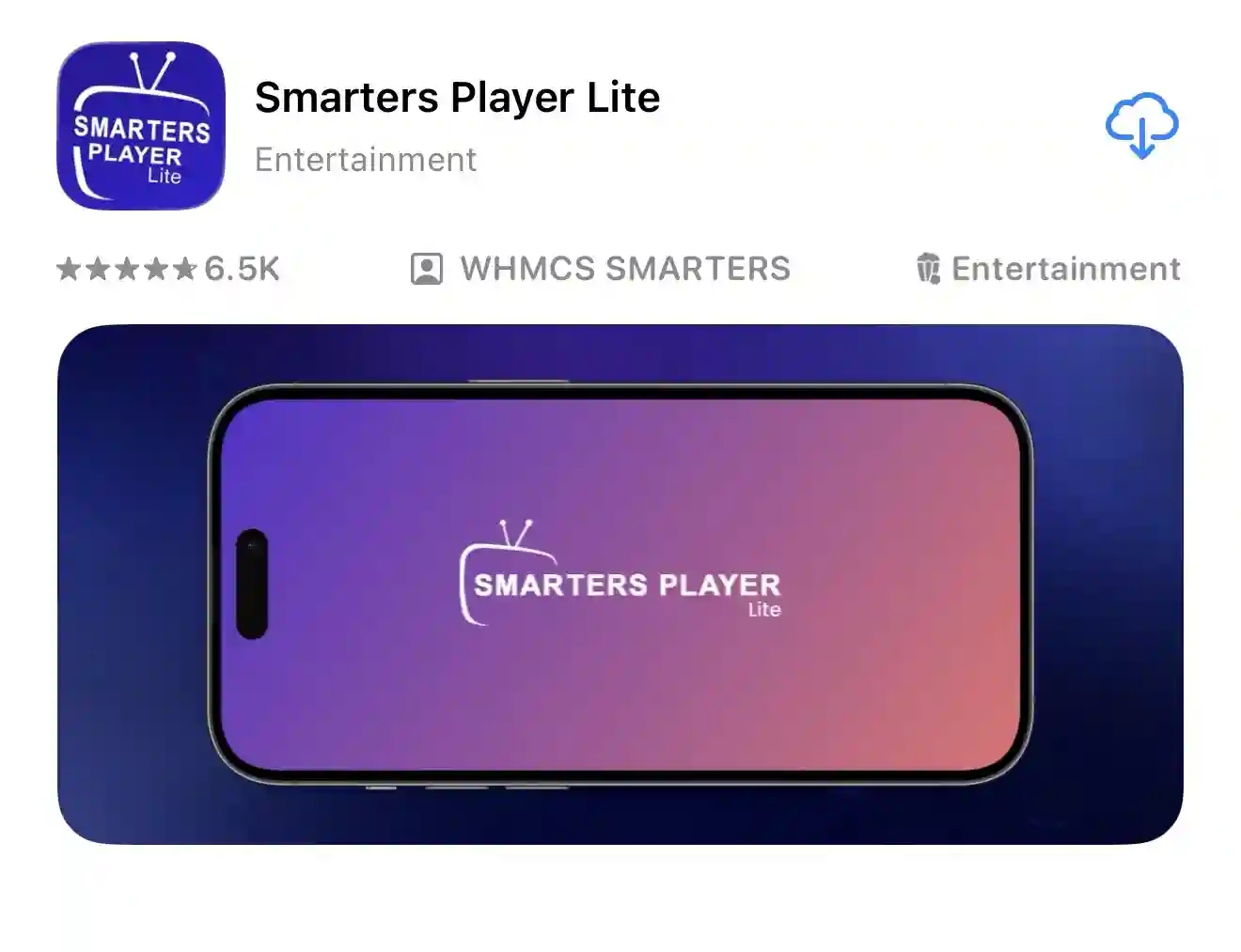
On your iPhone or iPad, open the App Store. Use the search bar to find "IPTV Smarters Pro" or "Smarters Player Lite".
-
2
Download and Wait for Installation
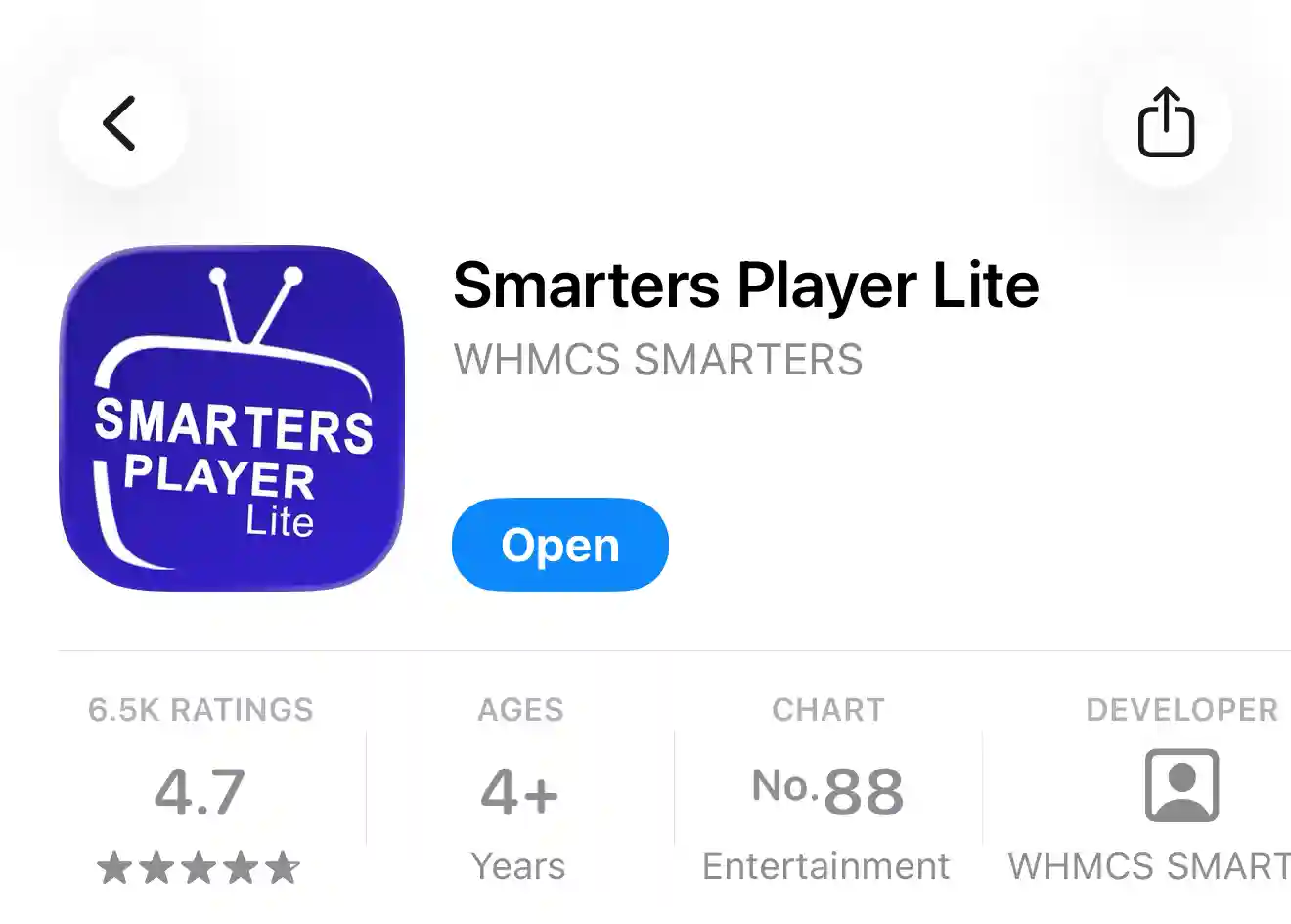
Tap the GET or cloud icon to download the application. You may need to authenticate using Face ID, Touch ID, or your password. The app will install automatically.
3. Login and Configuration
-
3
Select Your Connection Type
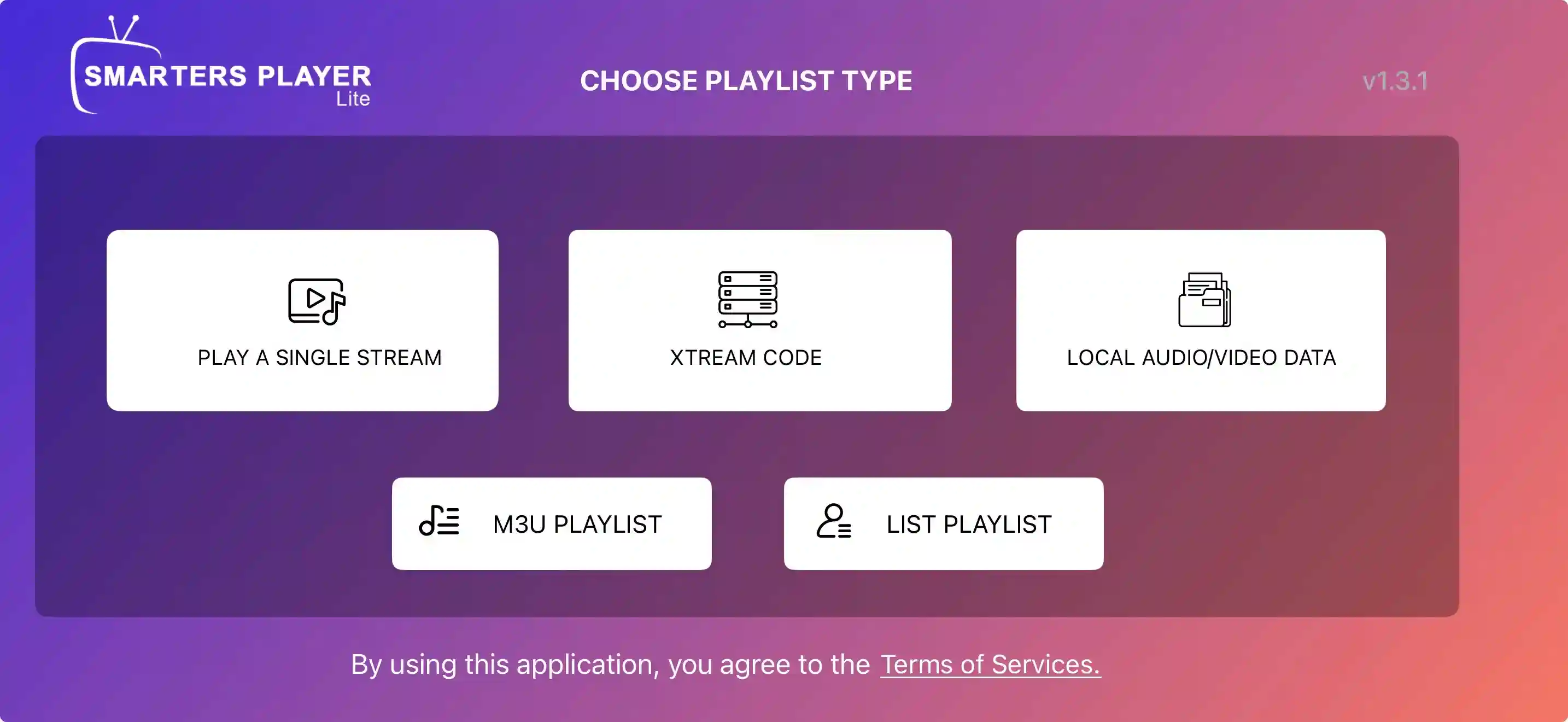
Once the app is open, click "ADD USER" and then select "Login with Xtream Codes API" for username/password login (recommended).
-
4
Enter Your Service Details
Fill in the required fields with the credentials provided by your IPTV service provider:
- Any Name: Enter a name for your profile (e.g., "My IPTV").
- Username: Your service username.
- Password: Your service password.
- URL/Server Address: The specific URL for the Xtream Codes API.
4. Troubleshooting and Tips
If you encounter any issues during the process, please ensure your login details are typed correctly (they are case-sensitive). If the problem persists, our 24/7 support team is ready to assist you!
Setup Complete! Ready to Watch?
Click below to contact our support team if you need help or to get your Xtream Codes API details.
Get Live Support